Group Shows are a show type where multiple users watch your stream at the same time and each pays a fixed per-minute rate, deducted every 10 seconds.
How do I set up a Group Show?
- Tap the Show type menu > Group Show.
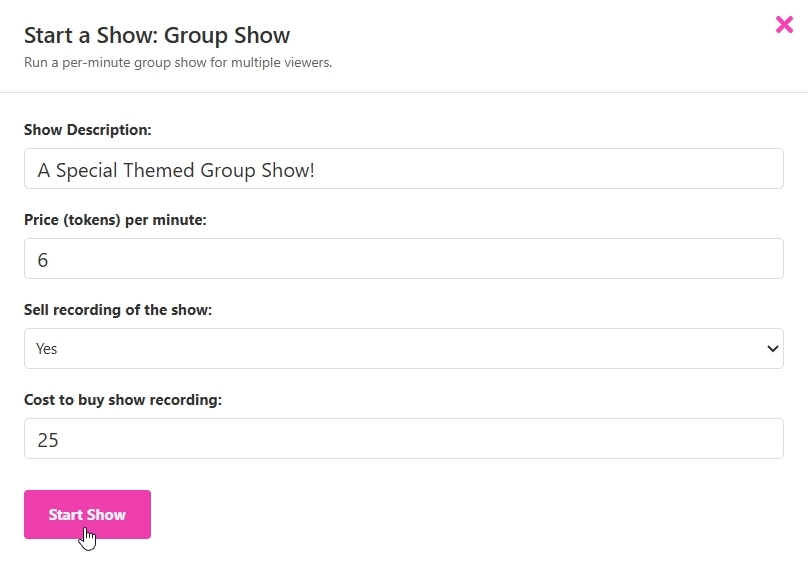
- Set the show topic and price (6–30 tokens per minute).
- Optionally enable Sell Recording and set its price.
- Begin your stream; the Group Show will start when the first user opts in, or you can tap the Start Group Show button and initiate it yourself.
During the show, use chat commands: /list to view all participants and /remove to remove a viewer.
You can end the show at any time by stopping the stream or selecting Stop Show under Options.
If your stream drops unexpectedly (connection loss, page refresh, browser crash, etc.), there is a 30-second reconnection period before the show ends. Billing is paused for viewers during this time.
If all viewers leave, you'll see a prompt asking whether to end or continue the show.